
The computer can wait.
Your files come first.
A computer that will not start and storage that is failing need different decisions. Tell us what happened, which files you need and what has already been tried before authorising a repair.
Useful guidance before another attempt
What should I do with this device?
Choose the situation closest to yours. These notes help protect the original and prepare a useful description; only an assessment can establish the available recovery route.
Deletion, a damaged file system and an unreadable device are different conditions. Whether new data has been written matters, and a successful format does not restore the old files.
Stop saving files to the affected storage. Record when the loss happened, what changed afterwards and the folders or dates you need. Keep any existing backup separate. Do not install a recovery tool onto the same drive.
A blank display, failed power circuit or startup error does not by itself prove the storage is damaged. The useful distinction is whether you need the computer repaired, the files retrieved, or both.
Describe the lights, sounds and exact error message. Tell us which files are not backed up before approving an operating-system reinstall, storage replacement or board replacement.
Mechanical noise or unstable access can signal a fault that repeated reads will not fix. The cause is not confirmed from the sound alone.
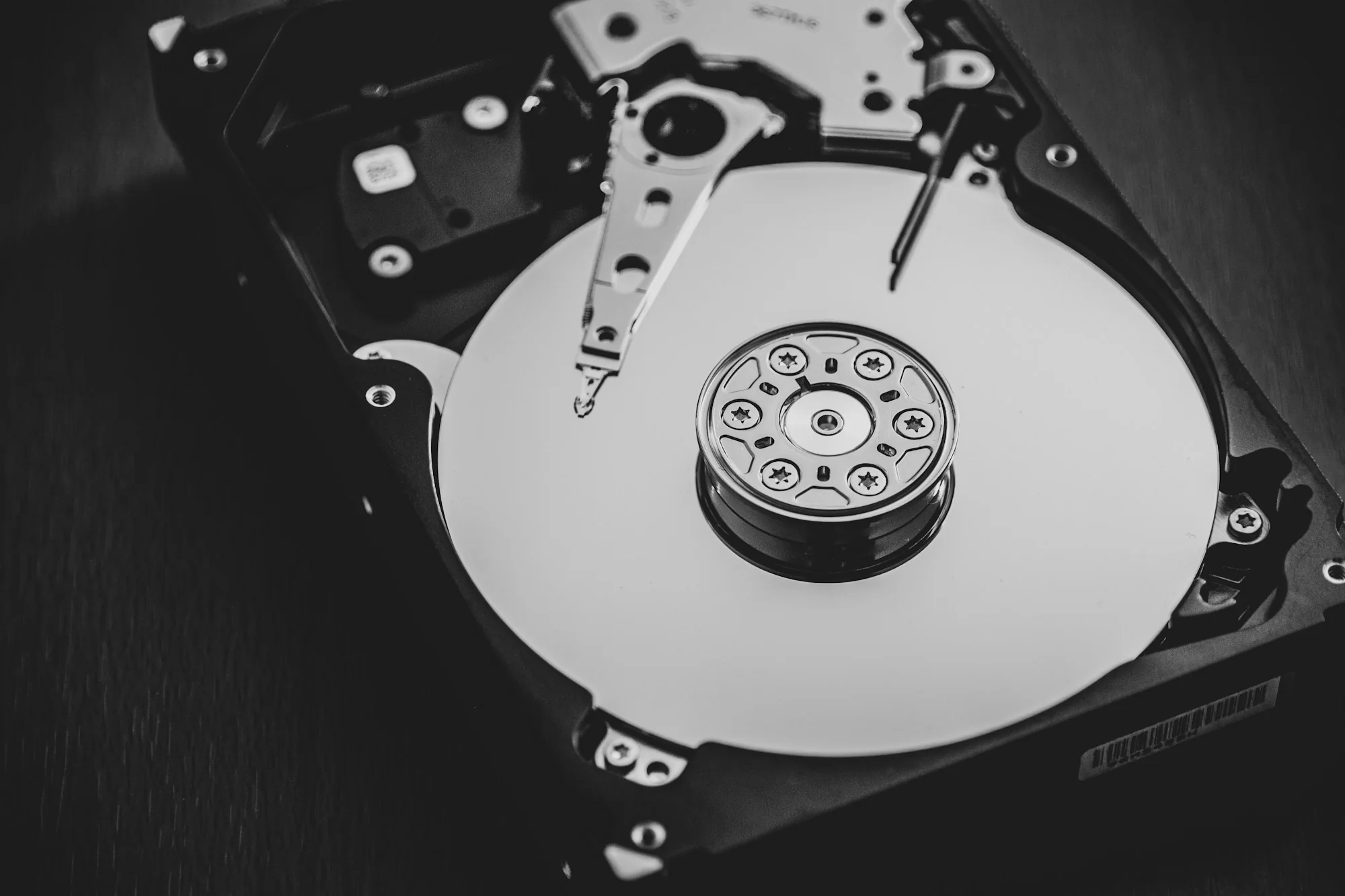
Keep it off, retain the original enclosure and power supply, and describe any fall, spill or previous opening. Advanced electronics or clean-room work is arranged through specialist partners where the assessed failure calls for it.
A BitLocker or FileVault prompt is not proof that files have disappeared. Access can depend on the correct account, password or recovery key as well as the condition of the original hardware. Physical access is not a promise that encryption can be bypassed.
Check the account or organisation that set up the device, using another trusted device where possible. Keep keys private and agree a secure handover instead of entering them into this website.
A replacement drive and a rebuilt volume are not the same as recovered files. RAID configuration, failure order and previous rebuild attempts can change what should happen next.
Label the drive positions without opening them. Keep all original disks and the controller or NAS details together. Do not initialise, rebuild or format a volume just to see whether it becomes accessible.
Bring the right things
Keep the original storage and its history together.
For a laptop, desktop or external drive
Keep the original device and any enclosure, cable or power supply that was used with it. Say if another business has opened the drive, changed parts or run recovery tools. This helps explain the current condition.
List the folders, file types or dates that matter. Keep passwords and encryption recovery keys available for an agreed secure handover, without entering them in the public enquiry.
For a NAS or multiple-drive system
Keep all drives together and record which slot each came from. Do not rebuild, initialise or format the volume to test a possible fix. Include the NAS or controller model and the sequence of failed drives if known.
The assessment distinguishes a failed component from a volume that needs reconstruction. Neither a replacement computer nor a replacement disk restores the missing files on its own.
The route is agreed first
Logical, electronic or specialist physical recovery.
Describe and identify
We record the device, symptoms, previous attempts and the data you need. Any required inspection or handover is agreed before the device is accepted.
Review the proposed work
The assessment explains the appropriate recovery route, costs and timing. Advanced recovery and clean-room work can be arranged through specialist partners when the failure calls for it.
Check the recovered material
Agree the destination storage and how you will check the files that matter. Recovered files are kept separate from damaged original media where practical.
An estimate is a decision about the next step. It is not a promise that every file is recoverable. Overwriting, encryption and physical damage can limit the result.
Burnaby handover
Start online. Bring the device with your reference.
Office reception
Complete the estimate request and keep its reference number. Call reception on 672-273-0050 before travelling, then use Office 800, 7300 Edmonds Street, during the confirmed 9 a.m. to 5 p.m. reception window.
The handover address is the starting point for the agreed service. Any specialist transfer is discussed as part of the recovery route.
Choose the assessment timing
A same-day estimate costs C$50. Online requests are submitted by 2 p.m.; device drop-off is by 2 p.m., for an estimate by the end of that business day after a complete request is accepted.
A no-charge standard estimate for Burnaby physical drop-off only, within up to three business days after receipt. Recovery work, specialist handling, parts and destination storage are quoted separately.